How to Get More Reviews for Your Online Store — Without Buying Them or Breaking the Rules
Learning how to get more reviews for your online store is one of the highest-return jobs a small seller can do. Reviews are the first thing most shoppers check and the last thing they trust before they pay, and a store with three reviews will lose sales to a store with three hundred — even when the products are identical. The good news is that most stores do not have a product problem. They have an asking problem.
A 2026 survey of 402 consumers by Clutch found that 96% of people read product or service reviews before buying from a new brand, and 72% walk away when ratings fall below four stars. Shopify’s own research puts it even more bluntly: in 2026, 41% of consumers said they “always” read reviews when browsing for businesses. Reviews are not decoration. For a small store with no brand name to lean on, they are the trust itself.
Why most stores get so few reviews
The uncomfortable truth is that unhappy customers will find a way to complain on their own, while happy customers almost never leave a review unless they are asked. More than half of consumers leave four or fewer reviews a year, and 26% have never left a review at all, according to Sendlane’s review research. The most common reason is not dissatisfaction. It is forgetfulness. People mean to leave a review, get distracted, and never come back.
That is actually good news. It means the gap between a store with 12 reviews and a store with 400 reviews is usually a system, not a popularity contest. Stores that collect reviews reliably do not ask harder. They ask everyone, at the right moment, through a process so easy that leaving a review takes less than a minute.
1. Ask every customer, automatically
The single biggest change you can make is to stop treating review requests as something you remember to do. Set up an automated post-purchase email flow that sends a review request to every customer, every time, without you touching it. The same goes for SMS if you collect phone numbers at checkout. Reputation-management tools like NiceJob, Podium and Birdeye exist for exactly this, and several review apps for Shopify and WooCommerce — Yotpo, Loox, Okendo, Stamped and Klaviyo Reviews among them — will trigger requests automatically after delivery.
Case studies cited by review software providers report that automation alone can lift review volume by 200% to 400% within a few months. The mechanism is not mysterious. Automation removes the two failure points: forgetting to ask, and asking inconsistently. A customer who buys in March gets the same prompt as a customer who buys in November.
One warning: automate the ask, not the review. The request can be identical every time. The review itself must always be the customer’s own words.
2. Ask at the right moment
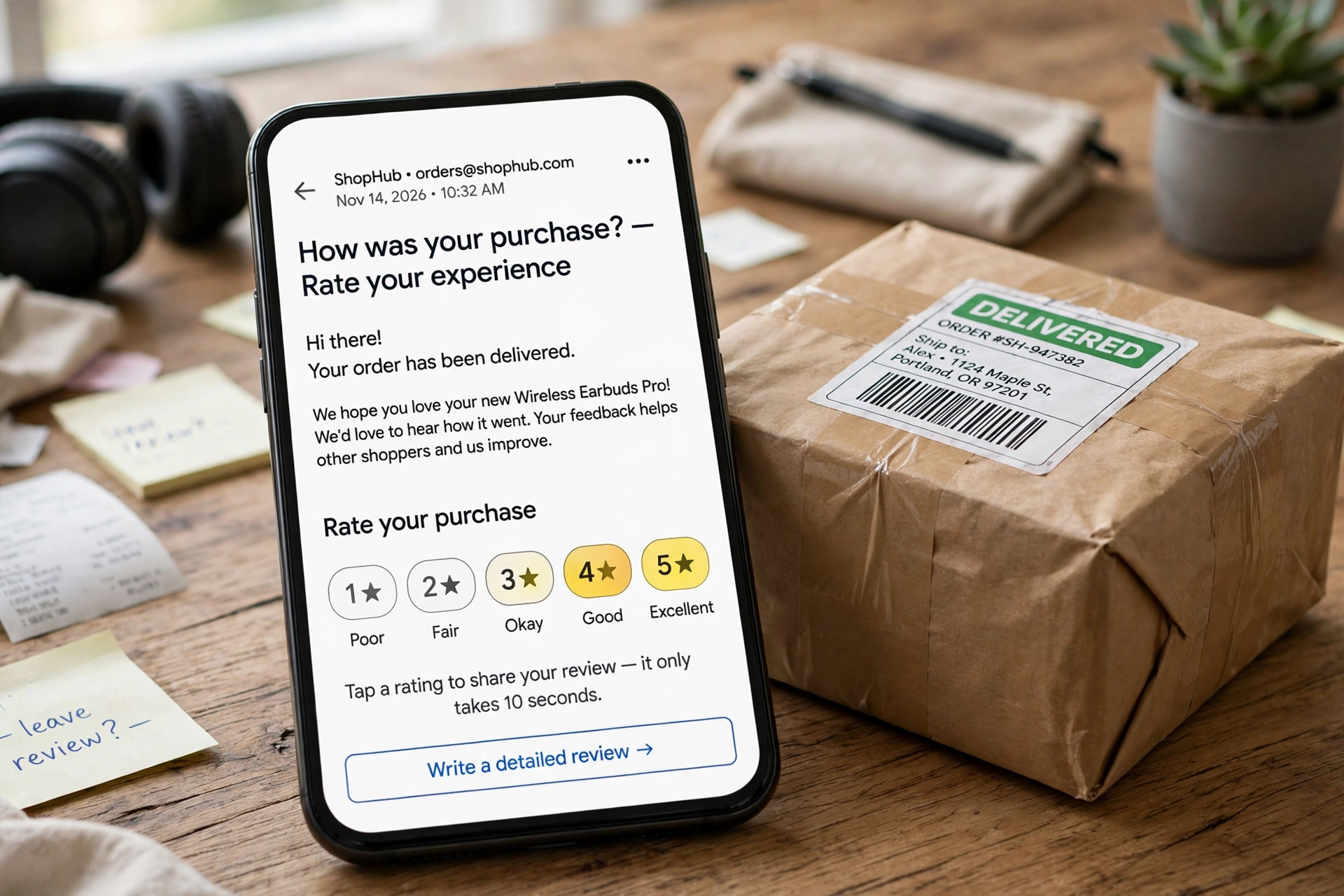
Timing decides whether your request gets a review or a delete. The sweet spot for most physical products is shortly after delivery, once the customer has had a chance to open the parcel and try the product — usually one to three days after the delivery confirmation lands. Ask too early and the customer has nothing to say yet. Ask two weeks later and the excitement has faded.
For products that need time to show results — skincare, supplements, home goods that need installing — wait longer, and say so in the email: “Give it a week, then tell us what you think.” For digital products the moment is different again: the customer has the product instantly, so the request can go out 24 to 48 hours after purchase, once they have had a chance to use it. The same review habits apply if you sell digital products online, where the buyer never meets you and the review carries even more of the trust.
Service businesses should ask right after the job is done or the problem is solved, while the relief is fresh. A customer who just had a support issue fixed well is often your most enthusiastic reviewer — if you ask before the memory fades.
3. Make leaving a review a one-click job
Every extra click kills responses. The fastest way to increase your review count is to remove friction, not to add persuasion. That means:
- A direct link to your review page in the request email, not a link to your homepage where the customer has to hunt for the review form.
- A review form that works on a phone, because most customers will answer on one.
- No account creation required. If a customer has to create a password to praise you, they will not.
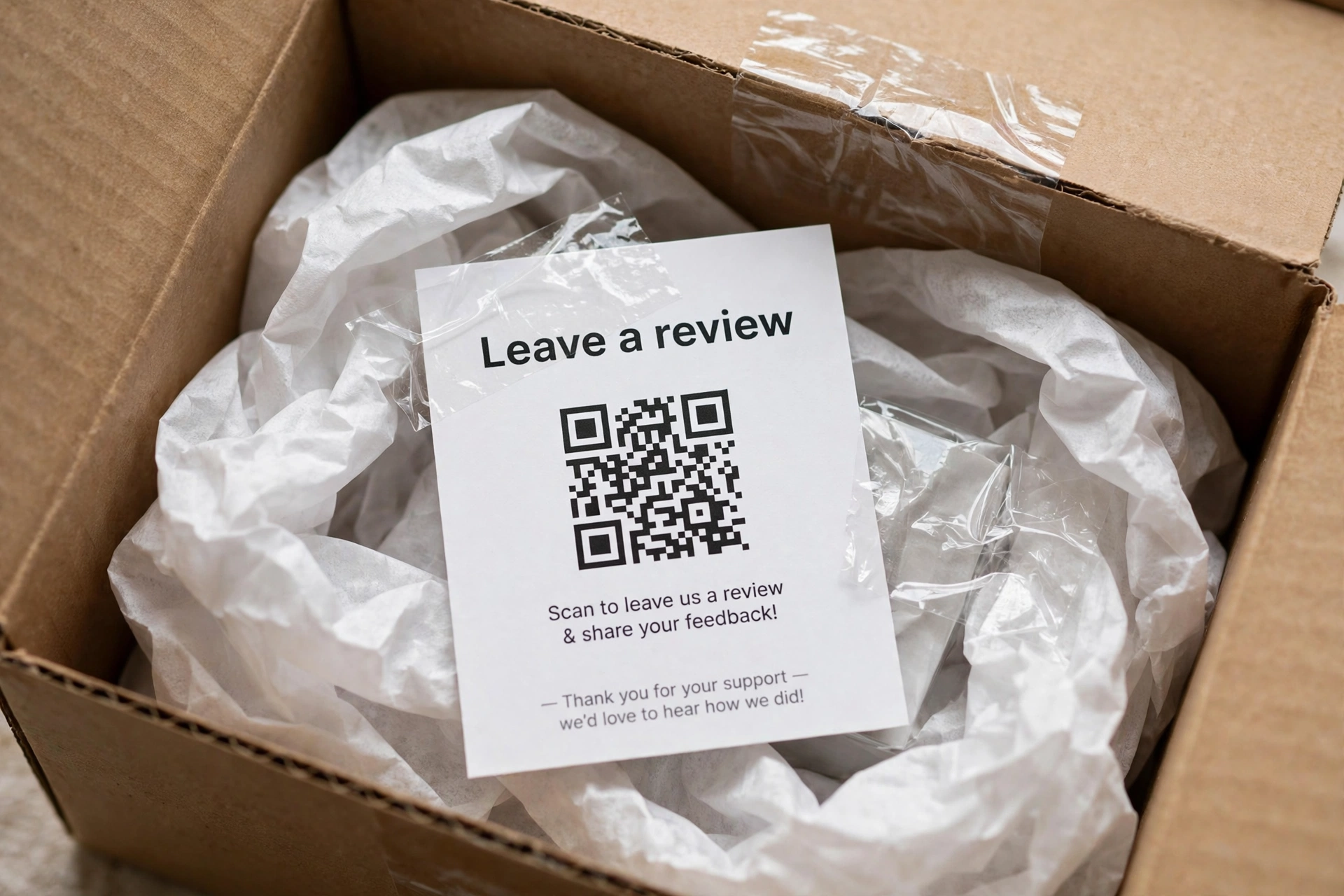
- A QR code on the packaging, the packing slip or a small card inside the box, linking straight to the review form. This reaches the customers who never open marketing emails at all.
If you sell on more than one channel, give customers a choice of platform — Google, Facebook, Trustpilot or your own site — so they can use the one they already trust. Just remember that each platform has its own rules about incentives, which brings us to the part where stores get into trouble.
4. Reward the review, not the rating
Incentives work. A small discount, loyalty points or a free-shipping code can lift response rates noticeably — one retailer cited by Shopify offers $5 off a next order in exchange for a review, and a loyalty programme that gives 100 points per review is a common setup. But the reward must be for leaving a review, never for leaving a positive one. The moment the reward depends on the star rating, you have crossed a line.
That line is now federal law in the United States. The Federal Trade Commission’s Consumer Reviews and Testimonials Rule, in force since October 21, 2024, bans six practices, including fake or AI-generated reviews, buying reviews, paying for a review that depends on the sentiment, undisclosed reviews by staff or owners, and suppressing negative reviews. Courts can impose civil penalties of up to $53,088 per violation — and each fake review can count as a separate violation. In December 2025 the FTC sent its first warning letters under the rule to ten companies. The rule applies to any business marketing to US consumers, whatever its size.
Marketplaces add their own rules on top. Amazon forbids offering compensation for reviews. Shopify’s Shop marketplace prohibits offering compensation — including discounts and free products — in exchange for reviews. Before you run any incentive, check the rules of every platform where the review will appear. A short-lived boost in review count is not worth a suspended account or a federal penalty.
The safe version is simple: offer the same small thank-you to every reviewer, whatever they wrote, and say so in the request. “Leave an honest review and get 10% off your next order — good or bad, we want to hear it.”
5. Reply to every review, good and bad
Responding to reviews is not customer service housekeeping. It is a review-generation strategy. When shoppers see that a store owner replies — thanking happy customers by name, and answering unhappy ones with a concrete fix — they learn two things: that reviews get read, and that leaving one is worth their time. Stores that never reply teach the opposite lesson.
For a negative review, speed and specifics matter. Acknowledge the problem, say what you are doing about it, and take the resolution to email or phone rather than arguing in public. Many customers will update a one-star review after a good recovery. Even when they do not, your reply is read by every future shopper who sees that review, and a graceful response can neutralise a bad rating better than the rating itself.
6. Put reviews where buyers decide
Reviews only sell when shoppers see them. A review buried on a separate testimonials page does almost nothing. Put them where the decision happens:
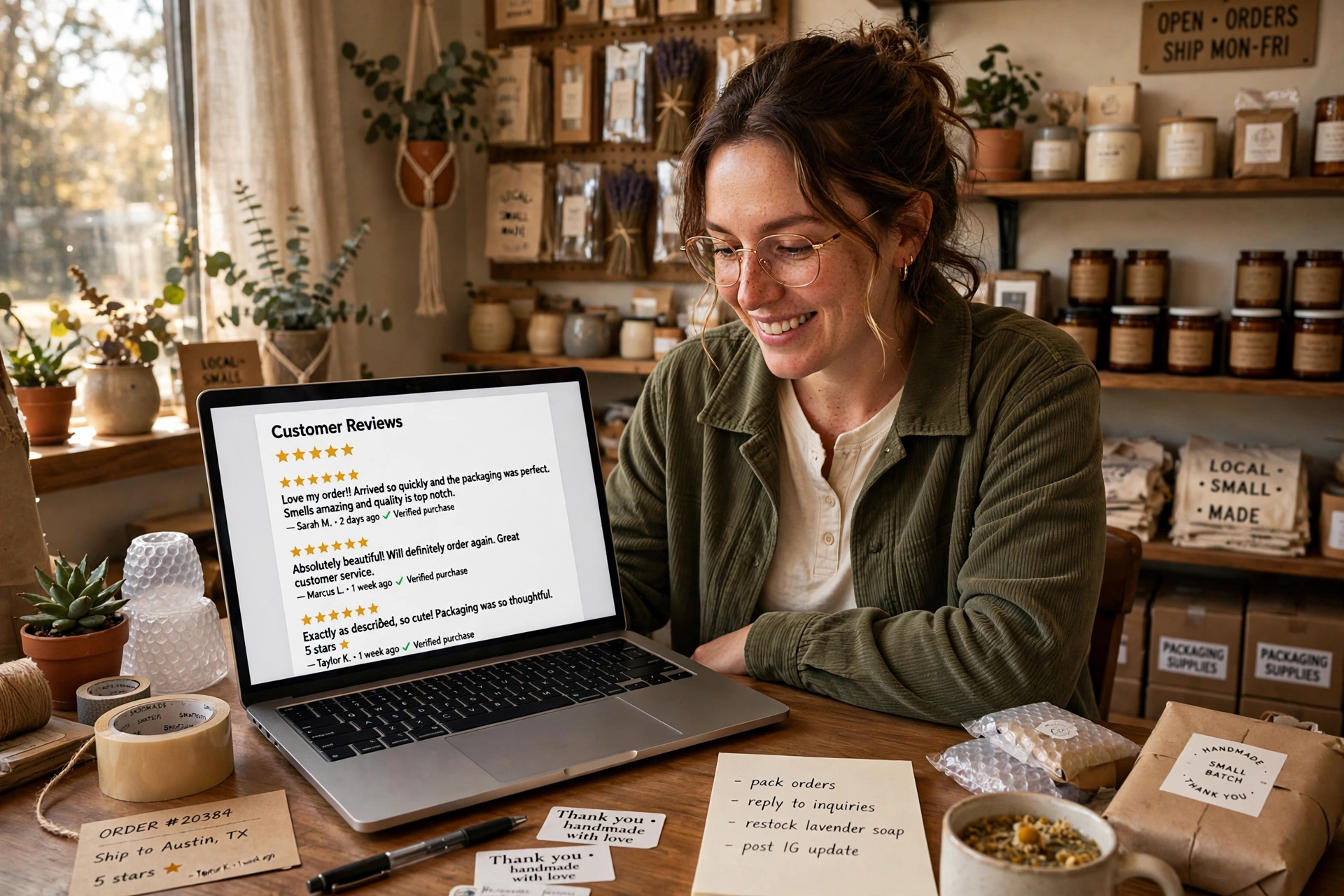
- Star ratings and a few review excerpts on every product page, near the buy button.
- A reviews section on the homepage and on the checkout page.
- Your best reviews in social media posts and in your email newsletter, with the reviewer’s first name and what they bought.
- Review snippets in ads, where the platform allows it.
This creates a loop. Visible reviews build trust, trust brings more buyers, more buyers leave more reviews, and the new reviews go back on the product page. The loop is the whole game — which is why the stores that win at reviews are usually the stores that show them off, not the stores that hide them in a drawer.
7. Ask your best customers first
Not every customer is equally likely to review. Your repeat buyers and loyalty-programme members are the obvious place to start a push. They already like you, they already buy from you, and a personal request — not the automated flow, but a short note from the owner — converts at a far higher rate. Offer loyalty points for reviews, and say so inside the loyalty programme itself, so members see it as a perk rather than a chore.
You can also ask in person, at markets, in your packaging, and at the end of a support conversation. The best-performing review request is often the most human one: “We are a small shop and reviews are how new customers find us. Would you mind leaving one? It takes about a minute.” Small stores can say that honestly, because it is true.
What to do when a bad review arrives
It will arrive. A bad review is not a disaster; an unanswered one is. Respond within a day, keep it short, and never argue about who is right. Fix what you can, say what you changed, and invite the customer to update the review once the fix is in. Then look at the complaint itself: if three reviews mention slow shipping, the problem is your shipping, and fixing it will do more for your rating than any review campaign.
One caution from the marketplace side: fees and rules differ by channel, so check the economics before you push a channel hard. Knowing what it costs to sell on Etsy, the fees you pay to sell on eBay, or the cost of selling on Amazon matters when you decide where your review effort should go — a review on your own store is worth more than one on a marketplace that takes a cut of every sale.
The bottom line
Getting more reviews is a system, not a trick: ask everyone automatically, ask at the moment the product is fresh in their hands, make the review a one-click job, reward honesty rather than praise, reply to everything, and show the reviews where buyers decide. Do that for ninety days and the review count moves — and with it, the conversion rate. Just keep it clean. The stores that last are the ones whose reviews a stranger can believe.
Frequently asked questions
How do I ask customers for reviews without sounding pushy?
Ask once, briefly, and make it easy. A short post-purchase email that says ‘We are a small shop and reviews are how new customers find us — it takes about a minute’ works far better than repeated reminders. One request after delivery and one gentle follow-up a few days later is enough; more than that feels like pressure.
Can I offer a discount in exchange for a review?
Yes, if the reward is the same whatever the customer writes. Offer a small thank-you for leaving an honest review, good or bad. What the FTC rule bans is a reward that depends on the rating — for example, a discount only for five-star reviews — and marketplaces like Amazon and Shopify’s Shop marketplace prohibit compensation for reviews entirely.
Is it illegal to buy reviews for my online store?
In the United States, yes. The FTC’s Consumer Reviews and Testimonials Rule, in force since October 21, 2024, bans creating, buying or selling fake reviews, including AI-generated ones, with civil penalties of up to $53,088 per violation. Each fake review can count as a separate violation.
When is the best time to ask for a review after a purchase?
For most physical products, one to three days after delivery, once the customer has opened and tried the product. For products that need time to show results, wait a week and say so in the request. For digital products, 24 to 48 hours after purchase usually works, since the customer has the product immediately.