
How AI Meeting Note-Takers Actually Work: Bots, Transcripts, Summaries and the Privacy Trade-Off
An AI meeting note taker is the newest person in your meeting — except it is not a person. It joins your Zoom, Google Meet or Teams call as an extra participant, listens to everything, writes it all down, and hands you a summary with action items a few minutes after the call ends. For a small business, it promises the end of the meeting-notes chore: no more typing while trying to listen, no more action items lost because nobody wrote them down.
The promise is mostly real. The mechanics behind it are straightforward once you see the four steps, and the costs and privacy trade-offs are worth understanding before you invite a bot into a client call. This guide explains how AI meeting note takers actually work, what the main tools cost in 2026, and what to check before you switch one on.
What an AI meeting note taker actually is
An AI meeting note taker is software that records a meeting, turns the audio into a written transcript, and uses a large language model to turn that transcript into a summary, a list of decisions and a list of action items. The output usually arrives by email or in the tool’s dashboard, and most tools also keep a searchable archive of every call you have ever recorded.
That archive is the feature that matters most over time. Three months after a sales call, when you are trying to remember whether four different prospects all raised the same objection, searching your call transcripts answers the question in seconds. The summary is convenient on the day; the searchable record is what changes how a business remembers things.
Most tools fall into two designs. The common one sends a bot into the call as a visible participant — you will see a name like “Fathom” or “Otter.ai” in the participant list. The newer design records the audio on your own computer instead, so no bot appears in the meeting at all. Granola is the best-known example of the bot-free approach. Both designs produce the same end result; they differ in how visible the recording is to everyone else.
Step by step: how a bot takes your meeting notes
A typical meeting with a note taker runs through five stages, and knowing them helps you judge where things can go wrong.
1. Joining the call. You connect the tool to your calendar, and it joins scheduled meetings automatically, or you add it manually from the meeting invite. The bot appears as a participant, and most tools announce themselves in the chat or show a recording banner so everyone knows the call is being captured.
2. Recording. The bot captures the meeting’s audio, and usually the video too. Bot-free tools capture the audio playing through your own computer instead. Either way, the recording is uploaded to the vendor’s servers for processing.
3. Transcription. Speech-to-text software turns the audio into a written transcript. Modern systems handle this well for clear, single-speaker speech, and most tools now identify who is speaking — a step called speaker diarization — so the transcript reads as a conversation rather than one long paragraph. Accuracy drops with heavy accents, crosstalk when two people talk at once, background noise and industry jargon the model has never seen.
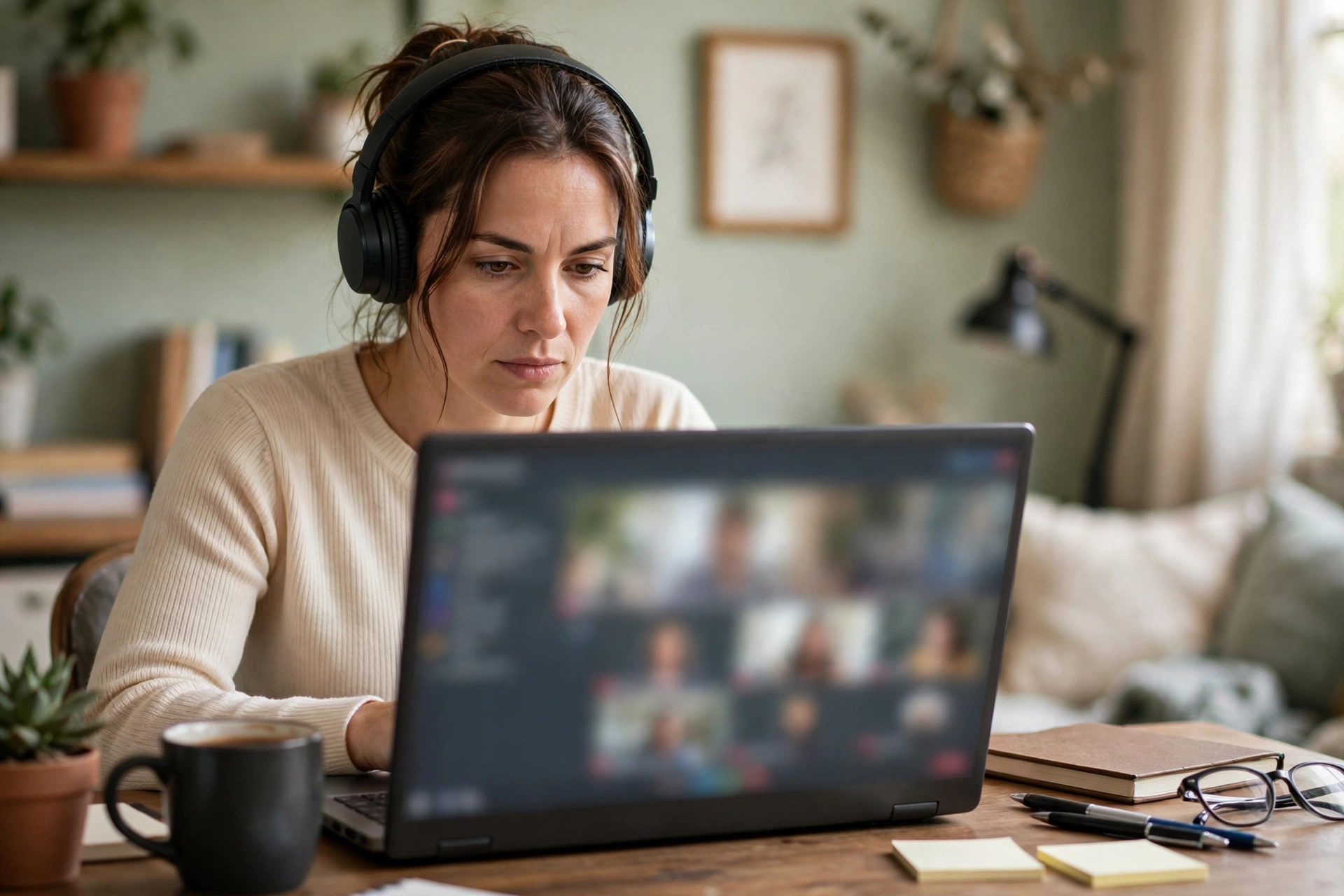
4. Summarising. A large language model reads the transcript and produces the summary: key points, decisions made, and action items with owners where it can tell who agreed to do what. This is the step that separates a note taker from a tape recorder. The quality of the summary depends on the quality of the transcript and on how clearly the meeting itself was run — a rambling, agenda-free call produces a rambling summary.
5. Delivery and storage. The summary, transcript and recording land in your inbox or dashboard, and most tools sync action items into a CRM or project tool. The recording stays stored with the vendor until you delete it, under whatever retention policy you have set.
The whole pipeline takes a few minutes after the call ends. Live transcription tools such as Otter show the words appearing on screen during the meeting itself, so you can read along and highlight moments without waiting.
The four tools most small businesses choose
Four names come up in almost every comparison, and they differ most on the free plan, the price, whether a bot joins the call, and what happens to your recordings.
Fathom has the most generous free plan in the category: unlimited recordings and transcriptions with instant AI summaries, at no cost. Premium costs $16 a month billed yearly, or $20 month to month, and adds advanced summaries, AI-generated action items and an assistant you can ask questions about past calls. The Team plan is $15 per user a month billed yearly with a two-user minimum. Fathom works with Zoom, Google Meet and Teams, and offers a bot-free capture mode in beta.
Otter.ai is the veteran, best known for live transcription you can read and edit during the call. Its free plan gives 300 transcription minutes a month with a 30-minute cap per conversation, and only the 25 most recent conversations stay in history. Pro costs $8.33 a month billed yearly, or $16.99 month to month. It joins Zoom, Teams and Google Meet, transcribes in six languages, and lets you ask its AI chat questions mid-meeting, such as what the group decided about a trial length.
Fireflies.ai is the sales-team pick. Its strength is conversation intelligence: topic trackers, sentiment, speaker talk-time, and automatic sync of call notes into CRMs such as Salesforce and HubSpot. The free plan offers unlimited transcription with 400 minutes of storage per team. Pro costs $10 per user a month billed yearly, or $18 month to month, and covers more than 100 languages.
Granola takes the bot-free route. It records your computer’s audio, so nobody in the call sees a bot join, and works as a notepad where you add your own notes alongside the transcript. The free plan keeps 30 days of meeting history; the Business plan costs $14 per user a month for unlimited notes and history.
Beyond these four, both big suites now bundle their own note taking. Microsoft Teams can produce meeting recaps and Copilot can summarise calls, while Google Meet offers Gemini note taking. If your business already pays for one of those suites, the built-in option may be enough — and it keeps the recording inside the system your IT already manages, rather than adding another vendor. These built-in features sit alongside the wider set of AI tools a small business can now use every day, but they are narrower than the dedicated tools: their summaries are simpler and their archives are shallower.
What they cost in 2026
| Tool | Free plan | Main paid plan | Bot joins the call? |
|---|---|---|---|
| Fathom | Unlimited recordings and transcripts | Premium $16/mo billed yearly | Yes, or bot-free in beta |
| Otter.ai | 300 minutes a month | Pro $8.33/mo billed yearly | Yes |
| Fireflies.ai | Unlimited transcription, 400 min storage | Pro $10/user/mo billed yearly | Yes |
| Granola | 30 days of history | Business $14/user/mo | No |
| Teams / Meet built-in | Included with suite | Microsoft 365 Copilot $30/user/mo; Gemini included in Workspace | No |
Prices change often in this category — Otter has adjusted its Pro price more than once in 2026 — so confirm the current figure on the vendor’s pricing page before you buy. The practical point for a small business is that a usable note taker costs nothing to start: Fathom’s free plan covers unlimited meetings, and Fireflies’ free plan covers unlimited transcription. Pay only when you need the advanced summaries, the CRM sync, or a longer archive.
Where the notes go
A note taker is only as useful as the systems it feeds. Fireflies syncs call notes, action items and recordings into Salesforce and HubSpot automatically, which is why sales teams choose it. Otter and Fathom integrate with Slack, Notion and the usual project tools, so a summary can land in the channel where the work is tracked. Granola exports notes to the tools you already use rather than trying to be a hub itself.
Before you commit, check two integrations: your calendar, so the bot joins the right meetings without manual work, and your CRM or task manager, so action items do not die in an inbox. A note taker that cannot reach either one becomes another dashboard you forget to open.
The accuracy problem nobody mentions
Vendors advertise transcription accuracy in the high nineties, and for a quiet one-to-one call in standard American English, that is roughly true. Real small-business meetings are messier, and three things break accuracy most often.
First, accents and names. Speech models are trained mostly on standard accents, and they still stumble on strong regional accents, non-native speakers and unusual proper nouns — client names, product names and place names are the most common errors. Second, crosstalk. When two people talk at once, the transcript garbles both voices, and the summary can then attribute a decision to the wrong person. Third, jargon. A model that has never seen your industry’s terms will guess, and its guesses look confident in the transcript.
None of this makes the tools useless. It means you should treat the summary as a draft, not a record. Skim the action items before forwarding them, check names and numbers against the transcript, and keep the recording for any meeting where the exact wording matters — a client agreement, a price quote, a dispute.
The privacy trade-off
This is the part to think about before the first client call, not after it.
Recording a meeting is a legal act, and the law depends on where everyone is. In the US, 11 states require every participant’s consent before a conversation can be recorded, and the rest require only one party’s consent. If your client is in California and you are in Texas, the stricter rule is the one to follow. The safe practice is simple: tell people the call is being recorded and give them the chance to object. Every reputable tool shows a recording notice when its bot joins, but the notice is not a substitute for saying it out loud at the start of the call.
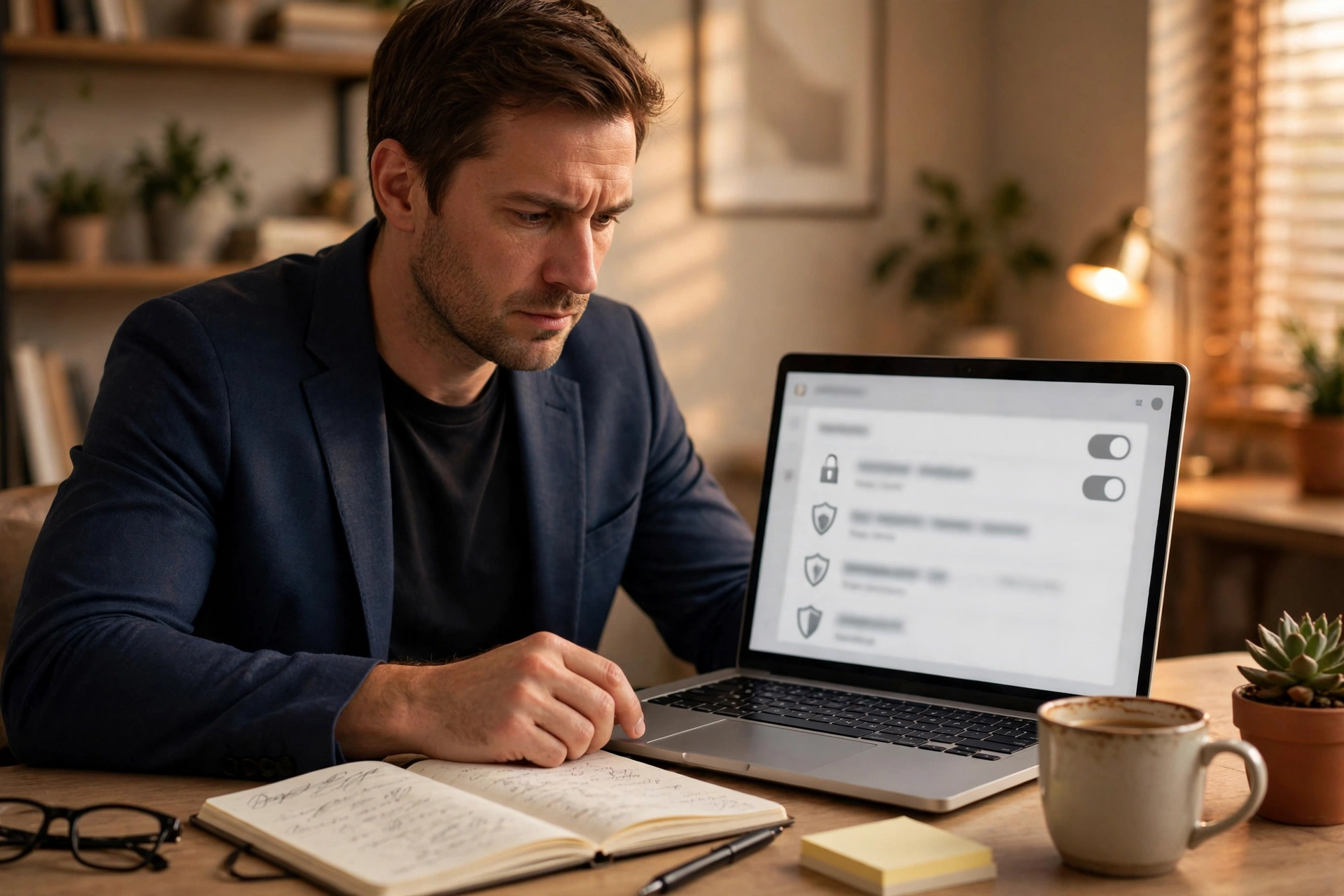
Then there is the data itself. Your meeting recordings and transcripts sit on the vendor’s servers, and the vendor’s policy decides what happens next. Some vendors use de-identified meeting data to improve their own models unless you opt out; Fireflies says it does not train AI on meeting data at all. Check three things in any vendor’s policy: whether your data trains their models, how long recordings are kept by default, and whether you can delete everything on demand. If you handle client-confidential information, health data or financial details, pick a vendor with SOC 2 certification and a clear data-processing agreement.
Finally, think about who can see the notes. A shared team workspace means anyone with access can search every call, including the one where a client discussed a competitor’s pricing or an employee raised a personal issue. Set permissions deliberately: not every meeting needs to be visible to every seat on the plan.
How to use one without annoying your team
A note taker works best when it is a team habit rather than one person’s experiment. Announce it at the start of every call, not just the first one — clients join mid-project and will not know the bot by name. Give people an opt-out for sensitive conversations, and mean it: if someone asks for a call to go unrecorded, record nothing. Review the summary before it goes to a client, and delete recordings you no longer need instead of letting an archive grow forever. And keep one meeting a week unrecorded, so the team remembers how to take notes without a bot in the room.
The bottom line
AI meeting note takers do what they promise: they turn a call into a transcript, a summary and a list of action items, and they do it well enough that the notes chore is mostly gone. Fathom’s free plan is the cheapest way to start, Otter is the best for live transcription, Fireflies is the pick when calls feed a sales pipeline, and Granola is the answer when you do not want a bot in the room. The cost is small and the time saved is real. The price you pay is a privacy decision: you are recording people, storing their words on someone else’s servers, and trusting a vendor’s policy with the result. Make that decision deliberately, announce the recording every time, and the tool earns its place in the meeting.
Frequently asked questions
How does an AI meeting note taker work?
A bot joins your Zoom, Google Meet or Teams call as a participant, records the audio, transcribes it with speech-to-text software, identifies who is speaking, and uses a large language model to produce a summary with decisions and action items.
Do AI note takers join the meeting as a bot?
Most do — Fathom, Otter and Fireflies all send a visible bot participant into the call. Granola does not; it records the audio on your own computer, so nobody sees a bot. Microsoft Teams and Google Meet have built-in note taking that also needs no bot.
Is it legal to record a meeting with an AI note taker?
It depends on where the participants are. In the US, 11 states require every participant’s consent to record a conversation. The safe practice everywhere is to announce the recording at the start of the call and give people a chance to object.
What is the best free AI meeting note taker?
Fathom, whose free plan includes unlimited recordings, transcriptions and instant AI summaries. Fireflies’ free plan also offers unlimited transcription, with 400 minutes of storage per team.
Can an AI note taker replace taking notes?
For routine meetings, mostly yes. But check the summary before forwarding it: transcription errors on names, numbers and accents are common, and a rambling meeting produces a rambling summary. Keep the recording for any meeting where the exact wording matters.
Prices (text only, no links in content): Fathom, Otter.ai, Fireflies.ai and Granola pricing pages, checked October 2026.