

What Is a Payment Gateway? How Your Online Store Actually Gets Paid, Step by Step
A customer clicks “Pay” on your website. Two seconds later they see “Payment approved” and your order confirmation lands in their inbox. What happened in those two seconds is the work of a payment gateway — the secure checkpoint between your checkout page and the banking system. Without one, your store cannot accept card payments online at all.
A payment gateway is the technology that securely sends a customer’s payment details from checkout to the payment processor, card network, and bank for authorisation. It captures the card number, encrypts it, routes the request to the right places, and brings back the answer: approved or declined. It never holds the money itself. That is the processor’s and the banks’ job, later.
This matters for small businesses because the gateway is the part of the payment chain you actually choose and configure. Pick the wrong one and you pay more per sale, lose customers at checkout, or take on security work you never signed up for. Pick the right one and payments mostly take care of themselves.
What Is a Payment Gateway, in Plain Terms?
Think of a payment gateway as the online equivalent of the card terminal on a shop counter. In a physical store, the customer taps a card and the terminal talks to the bank. Online, there is no terminal — so the gateway does that job in software. It sits between your checkout page and the banking network, checking credentials, encrypting sensitive data, and passing information back and forth in real time.
When a customer enters their card details, the gateway captures that data and immediately encrypts it. Modern gateways replace the real card number with a token — a stand-in value that is useless if stolen — so the raw card number never sits on your server. That single design choice is what keeps a small business out of the heaviest card-security obligations.
The gateway is not the same thing as a payment processor, although the distinction is blurred because the big names — Stripe, PayPal, Square — bundle gateway, processor, and merchant account into one product. Strictly, the gateway secures data at checkout and transmits it to the processor. The processor handles authorisation, clearing, and settlement across the card networks. The merchant account is where the money lands before it reaches your bank. When you sign up with Stripe, you get all three in one contract, which is why most small stores never need to think about the split — but understanding it helps when something goes wrong, because you know which part to blame.
How a Payment Gateway Works, Step by Step
The whole journey takes about two to three seconds. Here is what happens inside it.
Step 1: The customer enters payment details. They type a card number, expiry date, and security code on your checkout page, or they choose a wallet like Apple Pay or PayPal. The gateway’s checkout form is what collects this — either hosted on the gateway’s own page or embedded in yours.
Step 2: The gateway encrypts the details. The moment the data is entered, the gateway encrypts it and swaps the card number for a token. Your server never sees the raw number. This is the step that keeps your business out of scope for the strictest PCI DSS requirements, the card industry’s security standard.
Step 3: The data goes to the payment processor. The gateway sends the encrypted transaction to your payment processor and acquiring bank — the bank that holds funds on your behalf. The processor is the messenger between your gateway and the card networks.
Step 4: The card network routes the request. The processor passes the authorisation request to the relevant card network — Visa, Mastercard, American Express — which routes it to the bank that issued the customer’s card.
Step 5: The issuing bank decides. The customer’s bank runs fraud checks, confirms the customer has sufficient funds or credit, and approves or declines the transaction. If the bank wants extra proof, this is where 3D Secure steps in: the customer may be asked to confirm the payment in their banking app.
Step 6: The answer travels back. The approval or decline comes back through the same chain — issuing bank, card network, processor, gateway — and your checkout shows the result to the customer, usually within two to three seconds.
Step 7: Settlement happens later. Authorisation is not payment. The money itself moves later, usually within one to two business days, when the processor batches the day’s authorised transactions and settles them into your account. A payment can be authorised instantly and still take a day or two to land.
What Is a Payment Gateway With an Example?
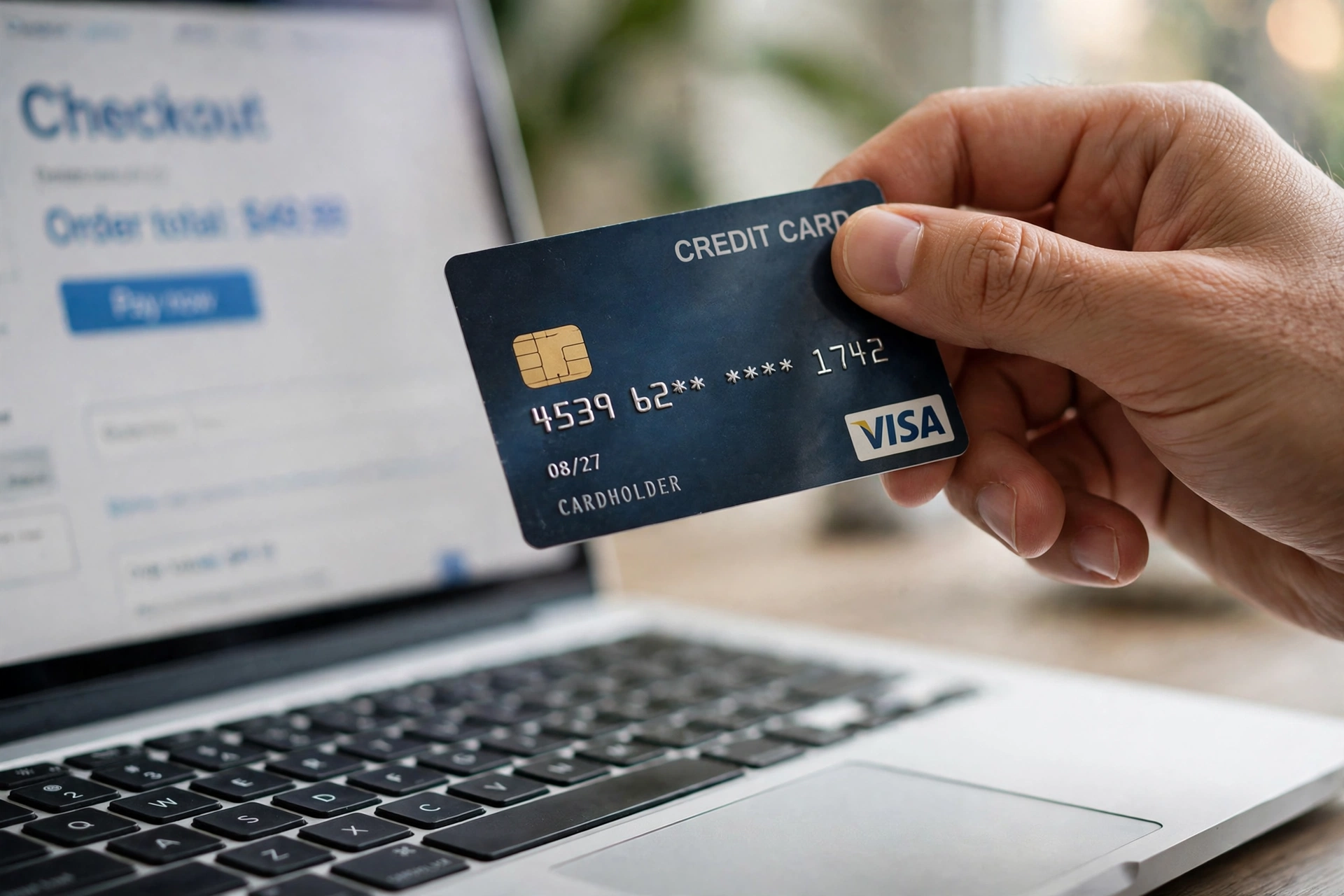
Take a small candle shop selling a $40 candle online. The customer adds it to the cart, enters a Visa card, and clicks Pay. The gateway — say Stripe — encrypts the card details, sends them through the processor to Visa and then to the customer’s bank, which approves the $40 charge. Stripe tells the shop the payment is approved, the order confirmation goes out, and the $40 minus Stripe’s fee settles into the shop’s bank account a day or two later. On a $40 sale at Stripe’s standard US rate of 2.9% plus 30 cents, the fee is $1.46, so the shop keeps $38.54 before any other costs.
The same flow works for a subscription, a donation, or a payment link sent by email. The gateway does not care what is being sold — it cares that the card is real, the funds exist, and the data travels safely.
The Main Types of Payment Gateway
Gateways come in four classic forms, and the choice changes how much control — and how much security work — you take on.
Hosted gateways send the customer to the provider’s own payment page (think PayPal Checkout or a Stripe-hosted page) and back again. They are the simplest to set up and the safest, because card data never touches your site at all. The trade-off is less control over the look of checkout.
Self-hosted gateways keep the customer on your site and collect card details through a form you control, with the gateway processing in the background. They look better and convert slightly better, but your site carries more security responsibility.
API-hosted gateways give you full control through code — the checkout is yours, the gateway works invisibly behind it. This is the Stripe model most developers choose, and it needs a developer to build and maintain.
Local bank integration gateways connect directly to a specific bank’s system. They are common outside the US and suit businesses that already bank with that institution, but they are the least flexible if you change banks or sell internationally.
For most small businesses, a hosted or API-hosted gateway from a major provider is the right answer. Building your own gateway is not a realistic option — the security certification alone costs more than most small stores make in a year.
Is Stripe a Payment Gateway or a Processor?
Both. Stripe is a payment gateway and a payment processor and, for practical purposes, a merchant account provider rolled into one. When a customer pays through Stripe, Stripe’s gateway encrypts the card data, Stripe’s processing moves the authorisation through the card networks, and Stripe settles the money to you. The same is true of PayPal and Square: they bundle all three layers, which is why most small and mid-size stores treat them as one choice and compare them on price and features rather than on architecture.
That bundling has one practical consequence worth knowing. Because Stripe charges 2.9% plus 30 cents per successful domestic online card transaction with no monthly fee, and Square charges 2.9% plus 30 cents online on its paid plans (3.3% plus 30 cents on the free plan), the headline rates look identical — and the real difference between them is everything around the rate: in-person tools, payout speed, dispute handling, and which platforms they plug into. If you want to see what the fee actually costs at your volume, our Credit Card Processing Fee Calculator compares flat rate, Square, Stripe, and interchange-plus side by side at your real monthly volume and average ticket.
PayPal is the outlier on price: its standard checkout rate is 3.49% plus 49 cents when the buyer pays with the branded PayPal button, or 2.99% plus 49 cents for a plain card through its checkout. Stores still offer it because buyers trust it, and that trust can lift conversion enough to pay for the higher fee — but you should run the numbers on your average order value before defaulting to it.
How Much Does a Payment Gateway Cost?
Most major gateways charge no monthly fee and take a percentage of each sale plus a small fixed fee. The standard US published rates in 2026 are 2.9% plus 30 cents per domestic online card payment at Stripe and Square, and 3.49% plus 49 cents at PayPal Checkout. International cards add about 1.5%, and currency conversion adds roughly another 1% at Stripe. Chargebacks carry their own fee — $15 per dispute at Stripe — on top of losing the sale amount.
There are two costs beginners miss. The first is the fixed per-transaction fee: at a $10 average ticket, a 30-cent fee adds 3% to your real rate — more than the headline percentage itself. Low-ticket businesses should obsess over the cents figure. The second is the add-on stack: subscription billing, fraud tools, and instant payouts often cost extra. Stripe Billing, for example, adds 0.7% of billing volume on top of the card fee. Authorize.net, the classic standalone gateway, charges $25 a month plus 2.9% plus 30 cents per transaction — a model that only makes sense once your volume is high enough for the monthly fee to beat the bundled providers’ effective rates.
For a fuller breakdown of what card payments actually cost, including the interchange layer underneath these headline rates, see our guide to credit card processing fees and how much Square charges per transaction.
How a Payment Gateway Protects Card Data
Security is the gateway’s real job — moving money is almost the easy part. Three mechanisms do the heavy lifting.

Encryption scrambles card details the moment they are entered, so they cannot be read if intercepted in transit. Tokenisation replaces the card number with a random token for storage, so even a breach of your systems yields nothing usable. Fraud screening checks each transaction against velocity rules, device signals, and address mismatches, and can trigger 3D Secure — the extra step where the customer’s bank asks them to confirm the payment — when something looks off.
Behind all of this sits PCI DSS, the card industry’s security standard. A properly configured gateway handles PCI compliance for you, so sensitive card data never touches your servers. That is the single biggest reason small businesses should never try to store card numbers themselves: the compliance burden, the liability, and the breach risk are all outsourced to the gateway for a percentage point or two.
One caution: a gateway protects the payment, not your whole store. Weak admin passwords, unpatched plugins, and phishing emails aimed at your staff are still your problem. Pair the gateway with the basics — strong passwords, two-factor authentication on your store admin, and updates applied promptly — and the payment side is covered.
Do I Need a Payment Gateway for My Website?
Yes, if you want to accept card payments online. There is no way to take a card on a website without one — the card networks will not talk to your site directly. The only alternatives are off-site payment methods: invoicing the customer, taking payment by bank transfer, or sending a payment link from a provider like Square or PayPal, which still uses a gateway behind the scenes.
The practical question is which gateway, not whether to have one. If you sell only online, Stripe is the default answer for most stores: no monthly fee, a clean API, and integrations with nearly every platform. If you also sell in person, Square wins because the same account runs your online store and your card reader — and our guide to how much a POS system costs for a small business covers the hardware side of that decision. If your customers skew older or strongly prefer PayPal, add it as a second button rather than your only option.
What to Look For When Choosing a Gateway
Run through this short checklist before you commit. First, the real cost at your average ticket — not the headline rate, but the effective rate once the fixed fee is counted. Second, payout speed: most providers settle in one to two business days, but some hold first payouts longer for new accounts. Third, the payment methods your customers actually use — cards, wallets, buy-now-pay-later, and local methods if you sell abroad. Fourth, fraud tools and dispute handling, because a gateway that approves everything is not doing you a favour. And fifth, how it plugs into your store platform: a gateway with a one-click integration for WooCommerce, Shopify, or Squarespace saves days of developer time.
Also check the cart abandonment angle. Airwallex puts the global cart abandonment rate at 70.22% in 2026, and a clumsy checkout is one of the biggest contributors. A gateway that offers Apple Pay and Google Pay, guest checkout, and a fast hosted page will recover more sales than a marginally cheaper rate ever will.
The Bottom Line
A payment gateway is the secure messenger between your checkout and the bank: it captures card details, encrypts them, routes the authorisation request through the processor and card network, and returns the answer in about two seconds. It is not the same as a processor or a merchant account, but the providers most small businesses use bundle all three. Expect to pay around 2.9% plus 30 cents per online sale in the US, more for PayPal wallet payments and international cards, and treat the fixed per-transaction fee as seriously as the percentage — especially on low-ticket orders. Choose the gateway that fits how you actually sell, keep card data off your own servers, and let the gateway carry the security burden it was built for.
Sources (text only, no links): Square payment gateway guide; Airwallex payment gateway guide; Stripe, PayPal and Square published US pricing pages, checked November 2026.
Frequently Asked Questions
What is a payment gateway with an example?
A payment gateway is the technology that securely moves card details from your checkout to the bank for approval. Example: a customer buys a $40 candle online, the gateway encrypts the card, the bank approves it in about two seconds, and the money settles into the shop’s account a day or two later.
Is Stripe a payment gateway or a payment processor?
Both. Stripe bundles the gateway, the processor, and the merchant account into one product, so one contract covers the whole payment chain. PayPal and Square do the same.
Do I need a payment gateway for my website?
Yes, if you want to accept card payments online. Card networks do not talk to a website directly, so a gateway is the only route. Payment links and invoicing still use a gateway behind the scenes.
What is the difference between a payment gateway and a payment processor?
The gateway secures data at checkout and transmits it; the processor handles authorisation, clearing, and settlement across the card networks. Most small businesses use providers that bundle both, so the distinction rarely matters day to day.